Before you start
Sign in with the Microsoft account you want to associate with the license, redeem the key on the official Office setup page when applicable, then install and activate Office.
Passaggi di attivazione
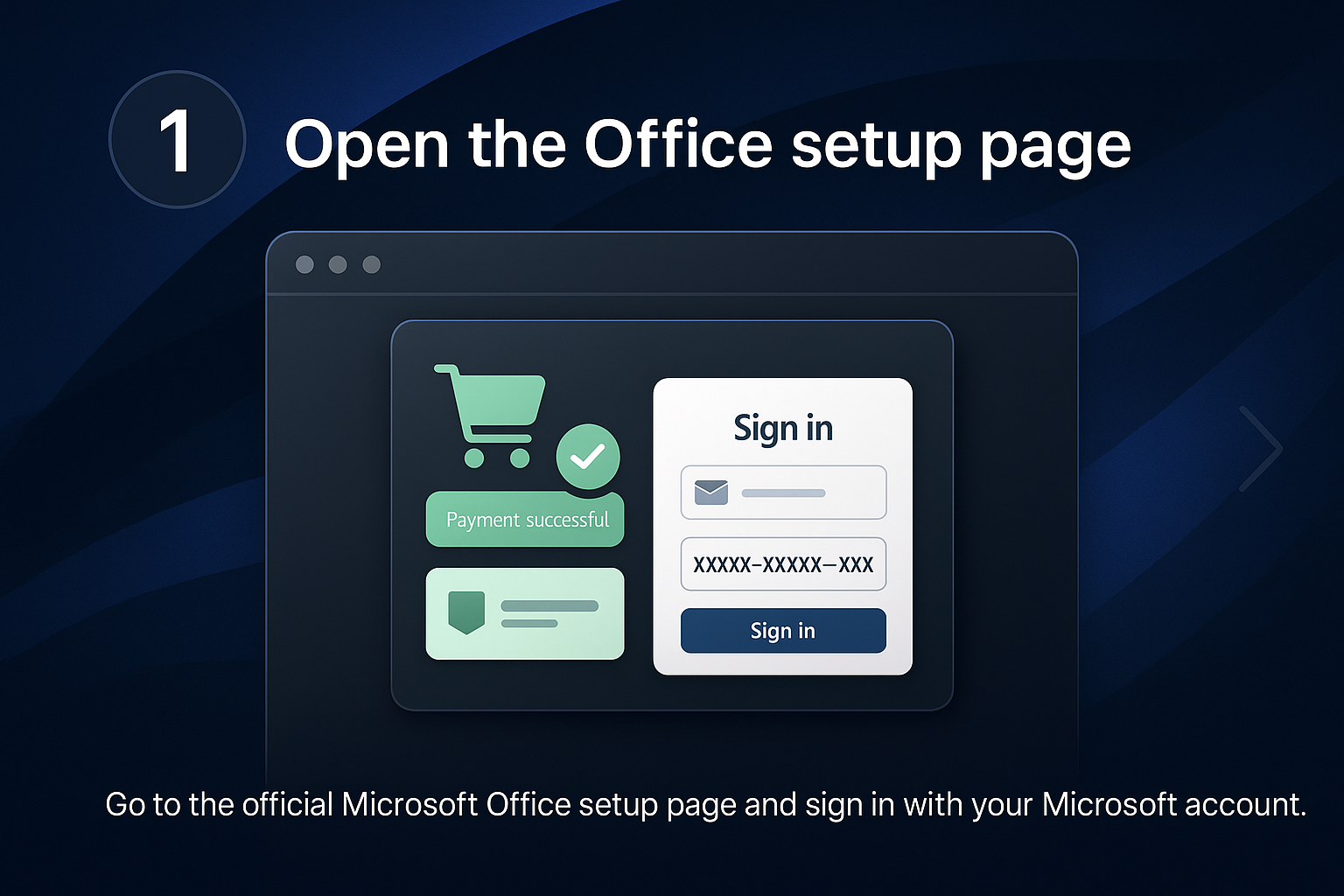
Open the Office setup page
Go to the official Microsoft Office setup page and sign in with your Microsoft account.
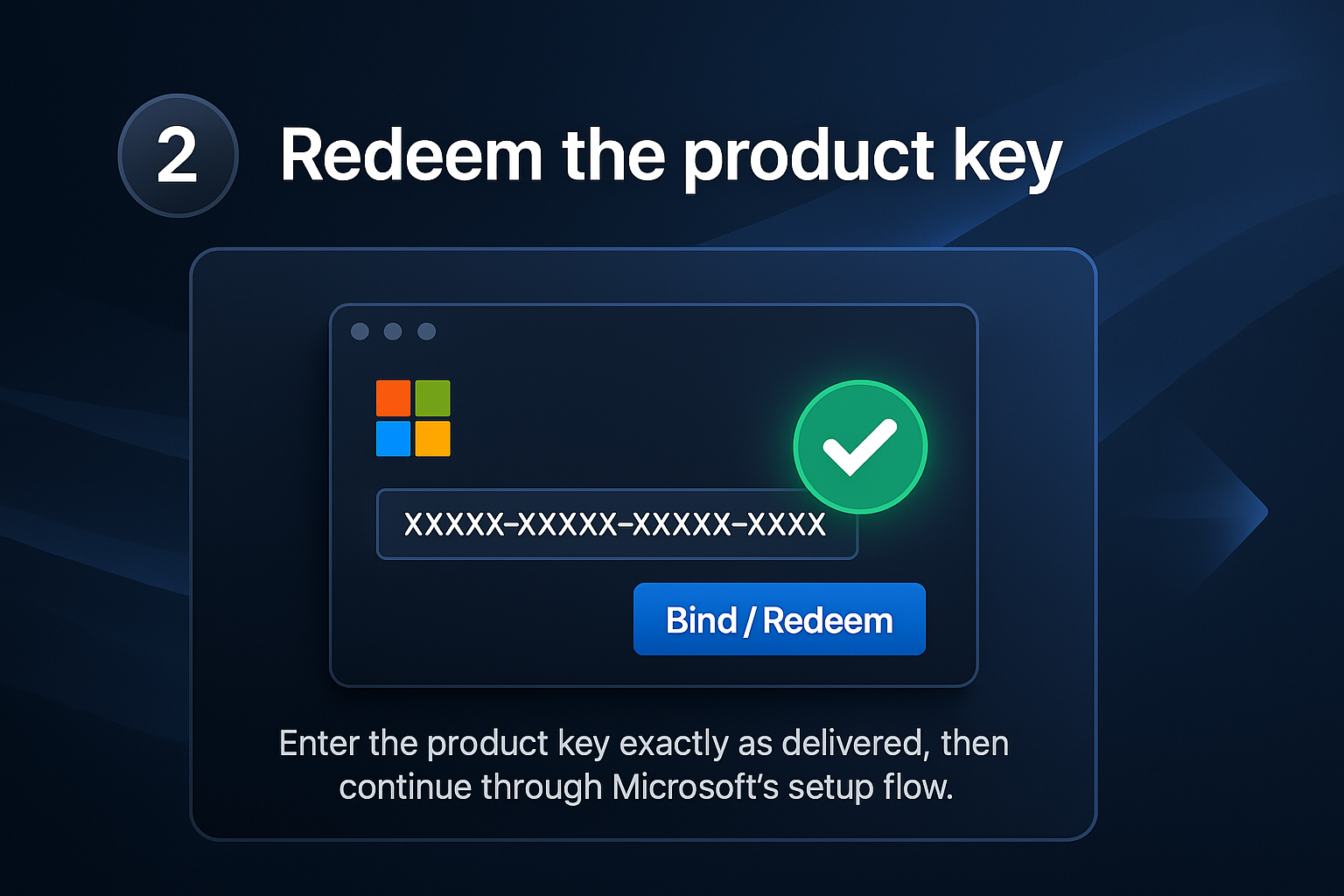
Redeem the product key
Enter the product key exactly as delivered, then continue through Microsoft’s setup flow.
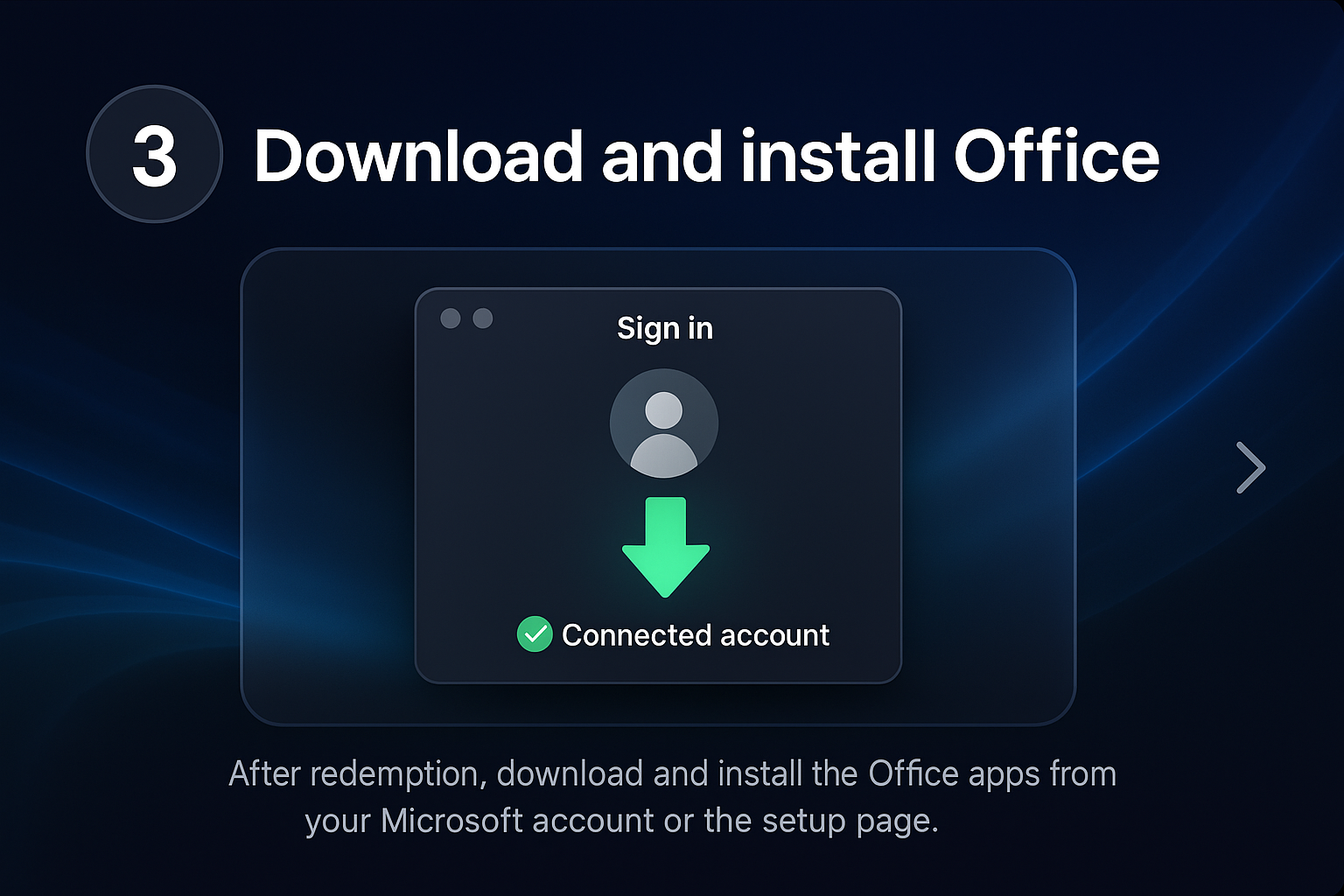
Download and install Office
After redemption, download and install the Office apps from your Microsoft account or the setup page.
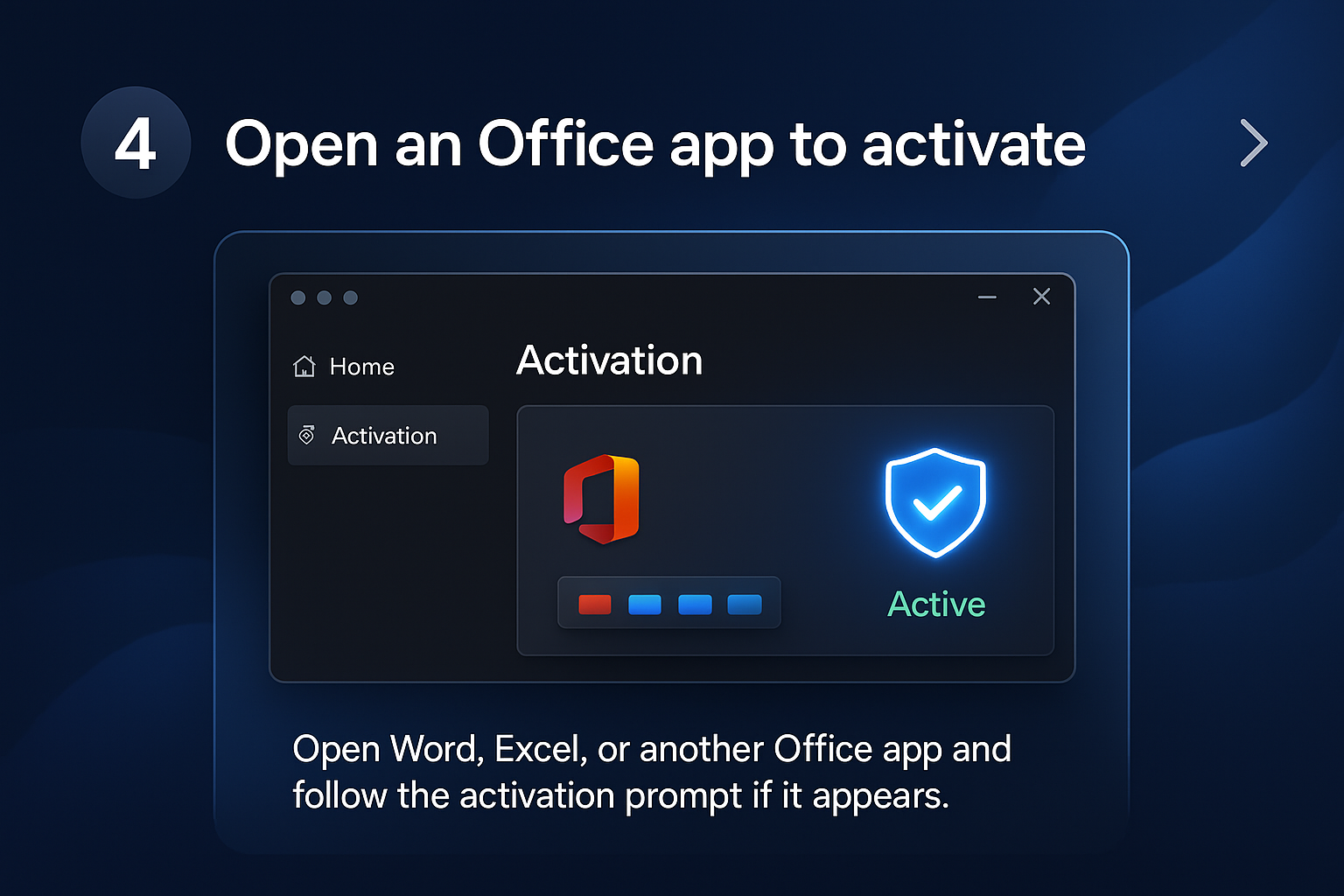
Open an Office app to activate
Open Word, Excel, or another Office app and follow the activation prompt if it appears.
Risoluzione dei problemi
Wrong Microsoft account
Use the account that redeemed the product key. A key can usually only be redeemed once.
Activation wizard appears
Follow the Microsoft Activation Wizard prompts and sign in with the correct account.
FAQ
Where do I enter an Office key?
Microsoft directs customers to the correct setup site for their Office product key.