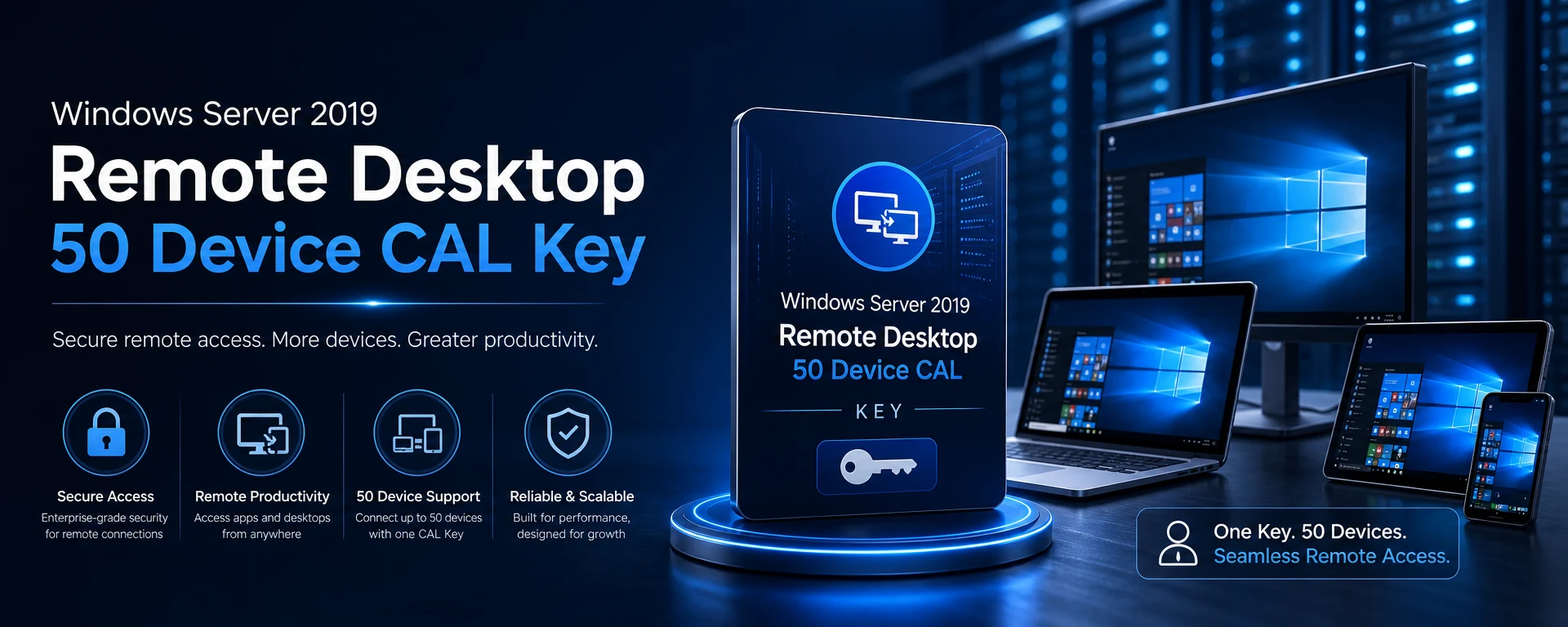
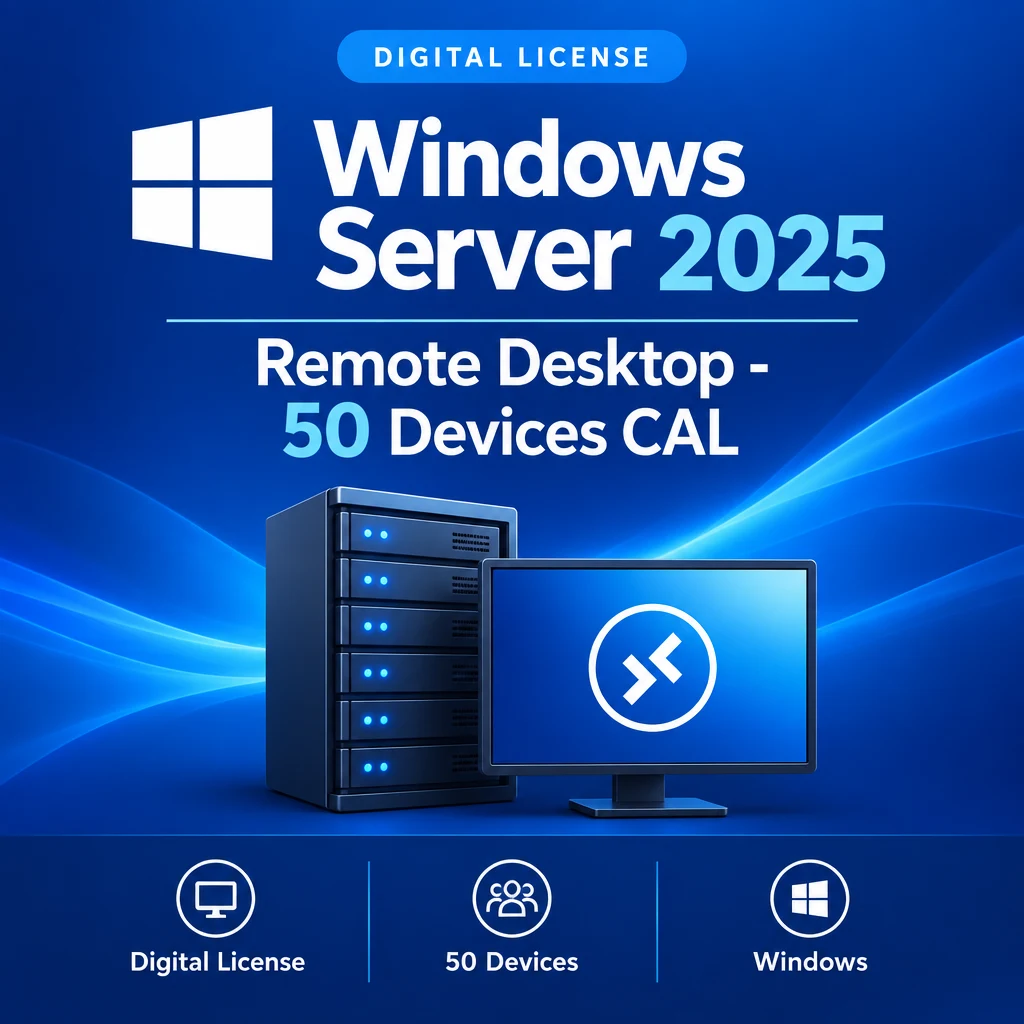
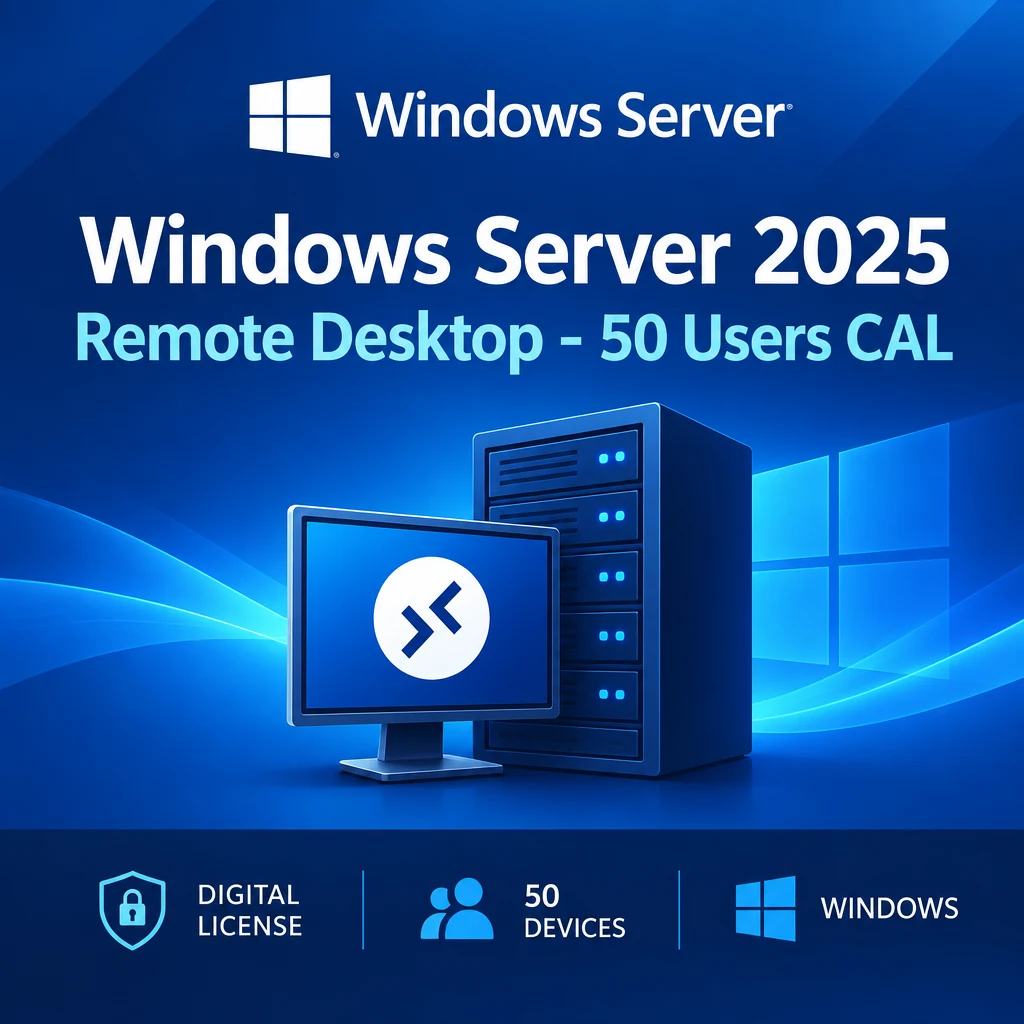
Windows Server 2019 Remote Desktop - 50 Device CAL
Enhance your organizational capabilities with the Windows Server 2019 Remote Desktop 50 Device CAL Key. This license allows seamless remote access for up to 50 devices, making it ideal for businesses that require flexible and efficient remote management solutions.
Key Benefits
Multiple Device Support: Connect up to 50 devices simultaneously to your Windows Server 2019 environment.
Streamlined Remote Access: Simplifies remote management and enhances productivity for your team.
Global License: This CAL key is valid worldwide, ensuring flexibility in deployment.
Compatibility and Activation
This CAL key is designed specifically for use with Windows Server 2019. It is not account-bound, allowing you to manage your devices freely without restrictions.
Delivery Notes
Your Windows Server 2019 Remote Desktop 50 Device CAL Key will be delivered digitally after successful payment, enabling immediate use.
Buyer Reassurance
Investing in this CAL key ensures your business can efficiently manage remote access, supporting your team’s productivity and collaboration efforts.
Compatibilitate
Cerințe de sistem
OSWindows Server 2019 Remote Desktop Services deployment/license server; no macOS server support specified for the CAL itself
CPU1.4 GHz 64-bit x64 processor with NX/DEP, CMPXCHG16b, LAHF/SAHF, PrefetchW, and SLAT support
RAM512 MB minimum for Server Core; 2 GB for Server with Desktop Experience
Storage Needed32 GB available space for the system partition
Ai nevoie de ajutor?
Întrebări frecvente
A Device CAL (Client Access License) allows a device to access the services of a Windows Server, enabling multiple users to connect from that device.
This CAL key allows you to connect up to 50 devices to your Windows Server 2019 environment.
No, this CAL key is not account-bound, allowing for flexible management of your devices.
Your CAL key will be delivered digitally via email after successful payment.
No, this CAL key is specifically for Windows Server 2019.
Activează în 3 pași simpli
1
Finalizează comanda
Cheia ta unică ajunge prin e-mail după plată.
2
Deschide activarea
Folosește ghidul inclus pentru a deschide ecranul de activare.
3
Introdu și activează
Lipește cheia și începe să folosești licența.
Ce vei primi
Cheia ta de licență Ghid de activare pas cu pas Link oficial de descărcare când este disponibil Contact prioritar cu suportul