Before you start
Use the official Microsoft Windows 10 download page and activate only through Windows settings or the Microsoft activation wizard.
Aktivierungsschritte
Download Windows 10 from Microsoft
Use the official Microsoft Windows 10 software download page to download the Media Creation Tool or ISO.
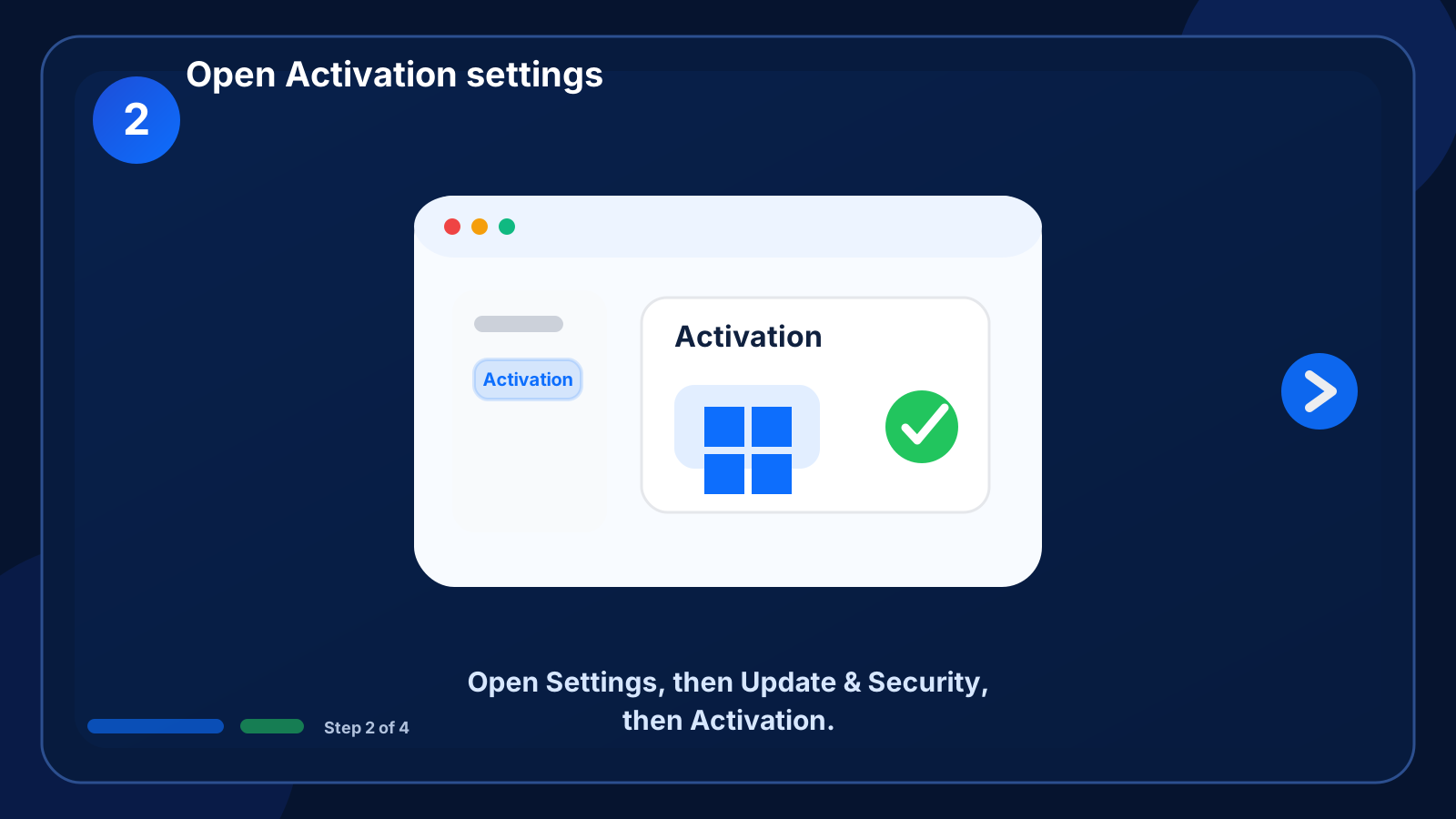
Open Activation settings
Open Settings, then Update & Security, then Activation.
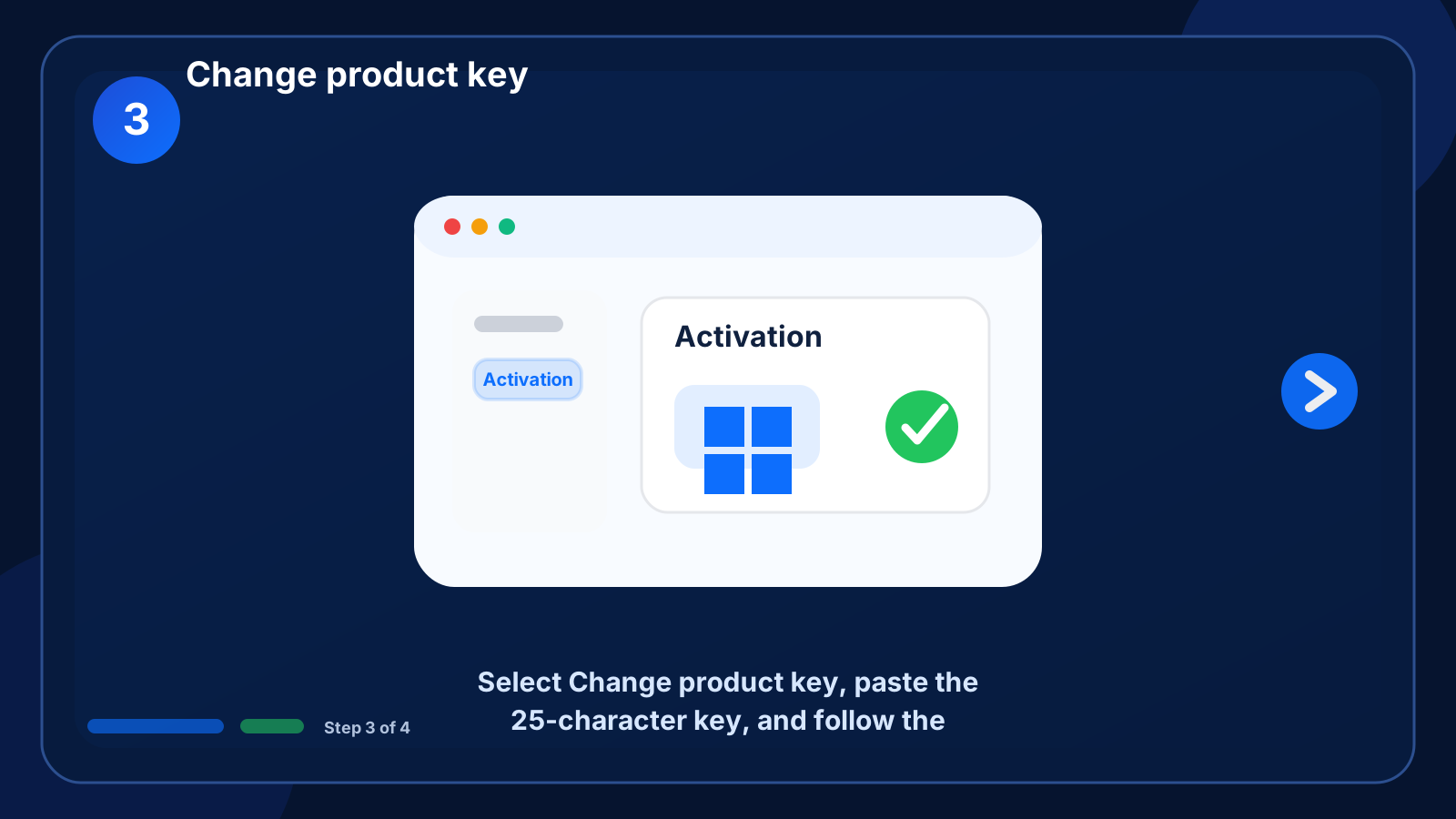
Change product key
Select Change product key, paste the 25-character key, and follow the activation prompts.
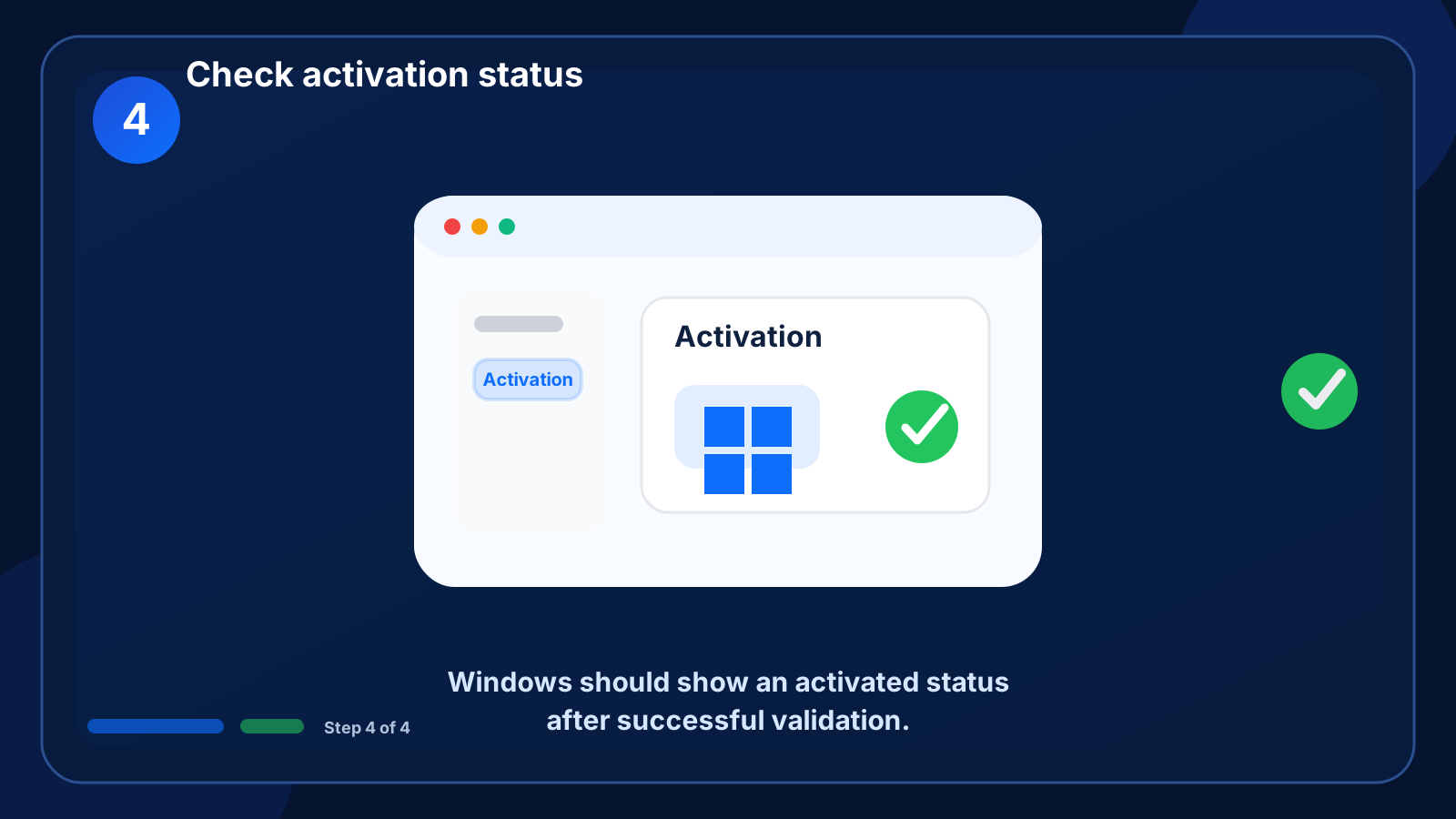
Check activation status
Windows should show an activated status after successful validation.
Fehlerbehebung
Edition mismatch
The installed Windows edition must match the key edition.
Activation server unavailable
Wait a few minutes and retry with a stable internet connection.
FAQ
Can I use a Windows 10 key on Windows 11?
Use the guide that matches the product and edition purchased. Contact support if you are unsure.