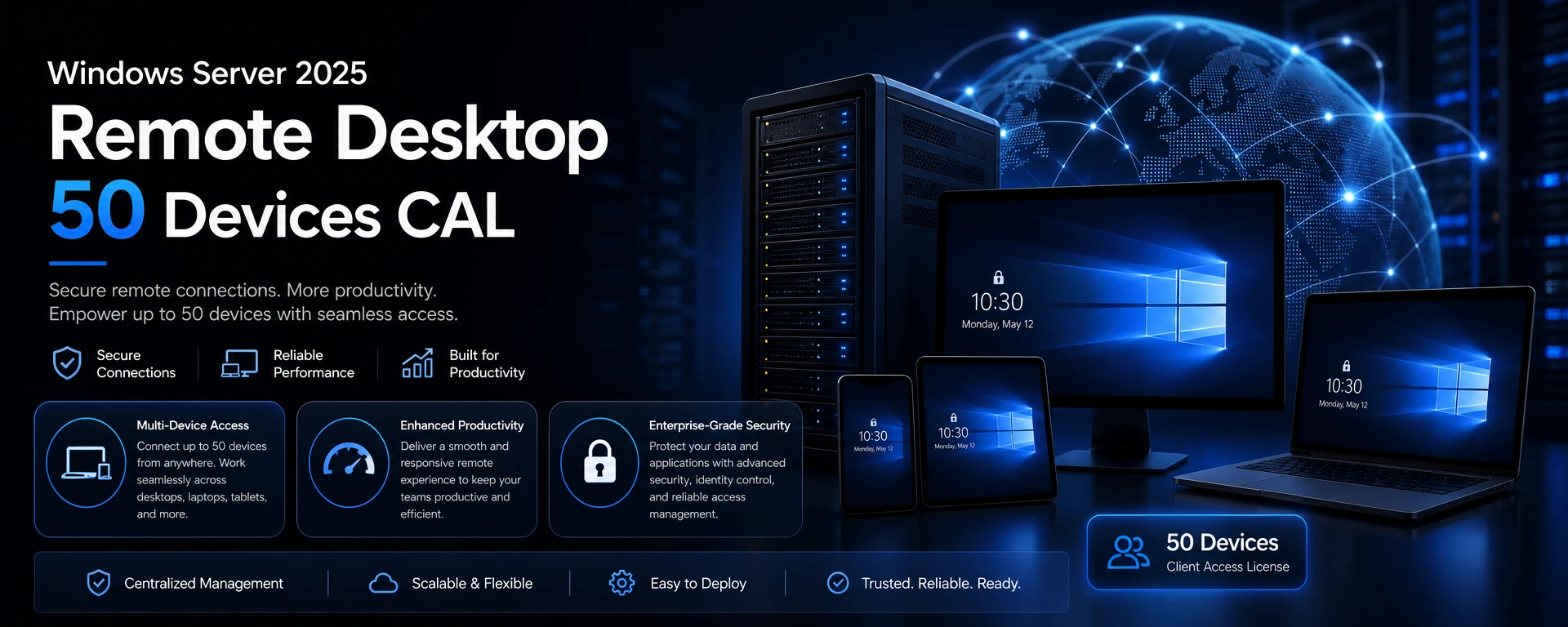
Windows Server 2025 Remote Desktop - 50 Devices CAL
Enhance your organization's productivity with the Windows Server 2025 Remote Desktop - 50 Devices CAL. This Client Access License (CAL) allows up to 50 devices to connect to your Windows Server 2025, enabling seamless remote access for all users.
Key Benefits
Multi-Device Access: Connect up to 50 devices, making it ideal for businesses of all sizes.
Enhanced Productivity: Users can access applications and data remotely, ensuring work continuity.
Cost-Effective Solution: Streamlined licensing for multiple devices reduces overall costs.
Compatibility and Activation
This CAL is designed for Windows Server 2025 and does not require account binding. It is suitable for various business environments, ensuring compatibility across your network.
Delivery Notes
Delivered digitally after successful payment, you will receive your license key promptly, allowing for immediate setup and use.
Buyer Reassurance
Invest in your business's future with confidence. This license provides essential access to Windows Server 2025, backed by our commitment to quality and reliability.
Kompatibilität
Systemanforderungen
OSWindows Server 2025; no separate client OS requirement specified for the CAL
CPU1.4 GHz 64-bit processor; x64-compatible with required NX/DEP, CMPXCHG16b, LAHF/SAHF, PrefetchW, SLAT, SSE4.2, and POPCNT support
RAM2 GB minimum for Server Core; 2 GB minimum for Server with Desktop Experience (4 GB recommended); ECC or similar for physical host deployments
Storage Needed32 GB minimum system partition
Brauchen Sie Hilfe?
FAQ
A Client Access License (CAL) is a license that allows users or devices to access the services of a server software. In this case, it permits up to 50 devices to connect to Windows Server 2025.
No, this CAL is not account-bound, allowing flexibility in device usage.
The license will be delivered digitally after successful payment, and you will receive your license key via email.
No, this CAL specifically allows access for up to 50 devices. For more devices, additional CALs would need to be purchased.
This CAL is designed specifically for Windows Server 2025.
In 3 einfachen Schritten aktivieren
1
Bestellung abschließen
Ihr individueller Schlüssel wird nach der Zahlung per E-Mail zugestellt.
2
Aktivierung öffnen
Öffnen Sie mit der enthaltenen Anleitung den Aktivierungsbildschirm.
3
Eingeben und aktivieren
Fügen Sie Ihren Schlüssel ein und nutzen Sie Ihre Lizenz.
Das erhalten Sie
Ihr Lizenzschlüssel Schritt-für-Schritt-Aktivierungsanleitung Offizieller Download-Link, wenn verfügbar Prioritärer Supportkontakt