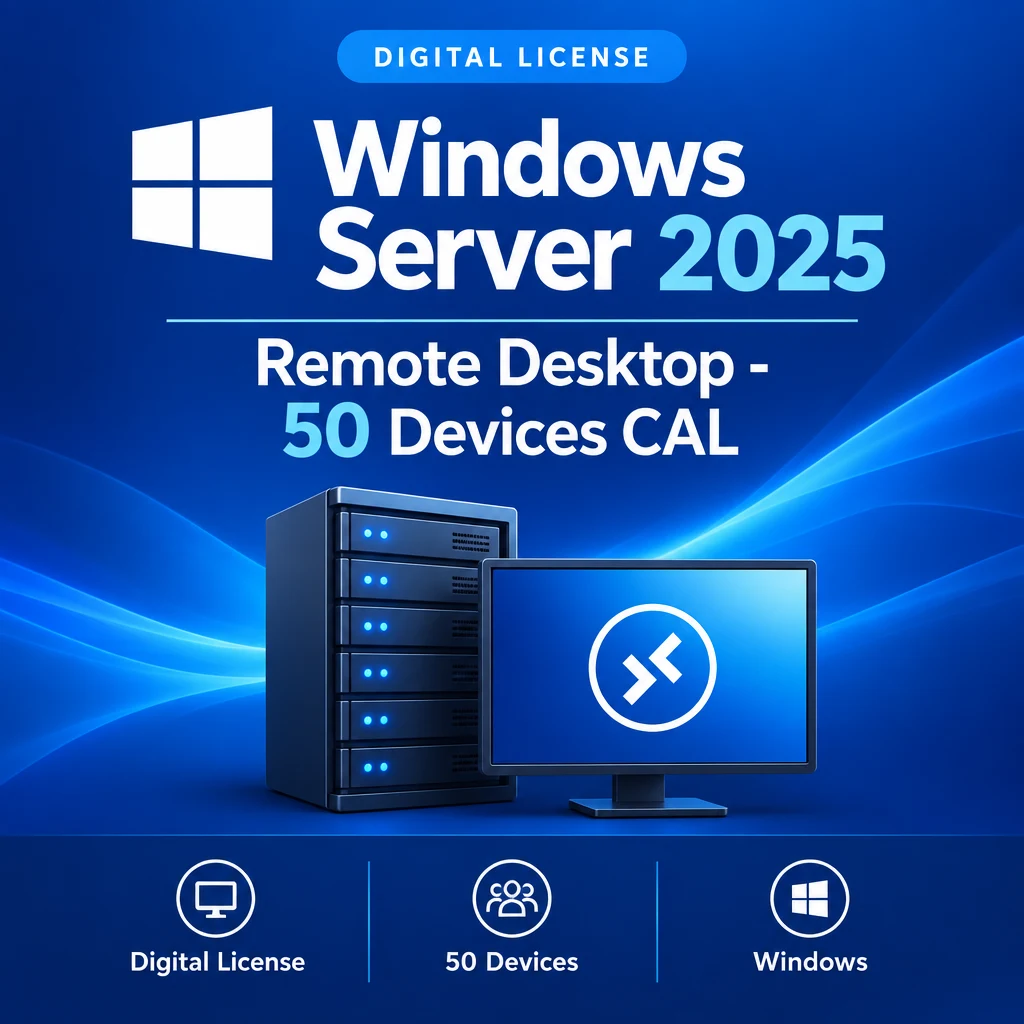
Windows Server 2025 Remote Desktop - 50 Users CAL
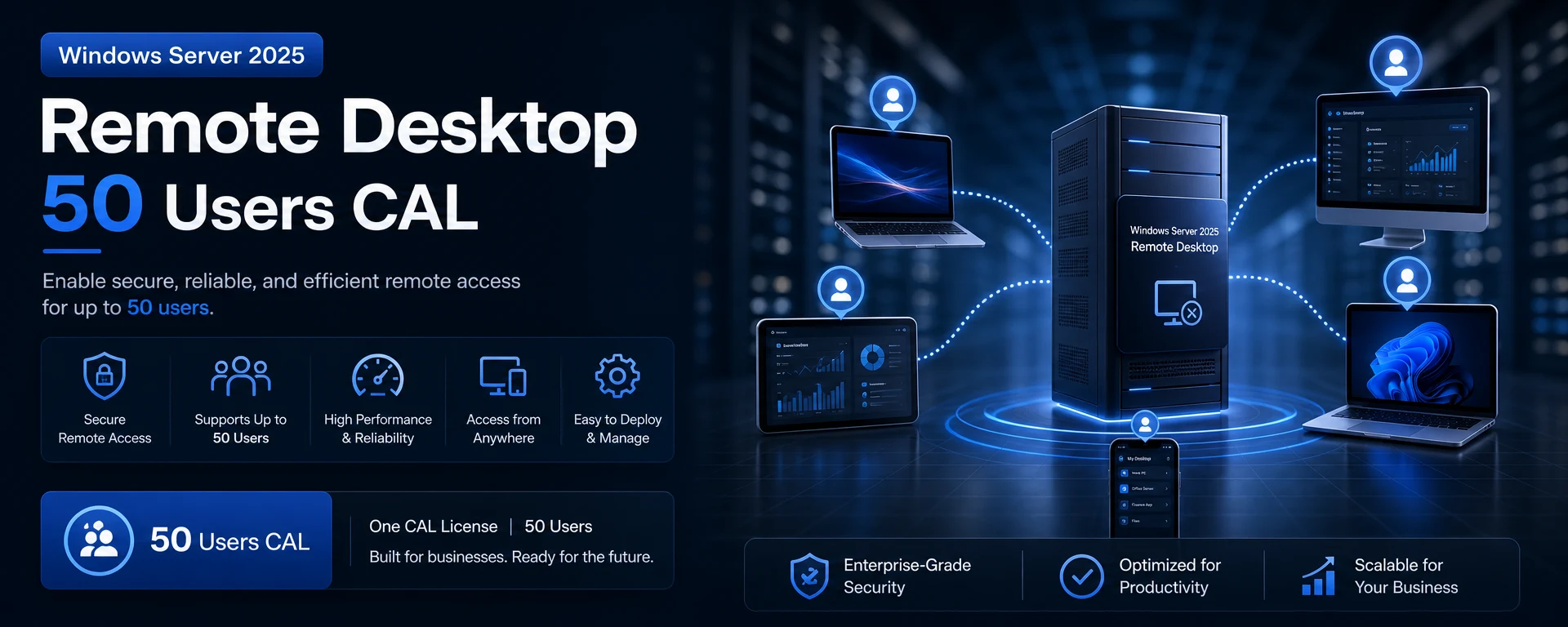
Experience unparalleled remote access with the Windows Server 2025 Remote Desktop - 50 Users CAL. This license allows up to 50 users to connect simultaneously, making it an ideal choice for businesses that require efficient remote desktop solutions.
Benefits of Windows Server 2025 Remote Desktop
- Seamless Connectivity: Effortlessly connect up to 50 users for effective collaboration and productivity.
- Enhanced Security: Benefit from the latest security features that protect your data and user access.
- Scalability: Easily manage user connections as your business grows.
Compatibility & Activation
This CAL is designed for use with Windows Server 2025, ensuring optimal performance and compatibility. Activation is straightforward and can be done digitally after successful payment.
Delivery Notes
This product will be delivered digitally after successful payment. You will receive your license key via email, enabling immediate setup.
Buyer Reassurance
Invest in your business's future with confidence, knowing that the Windows Server 2025 Remote Desktop - 50 Users CAL is a reliable solution for your remote access needs.