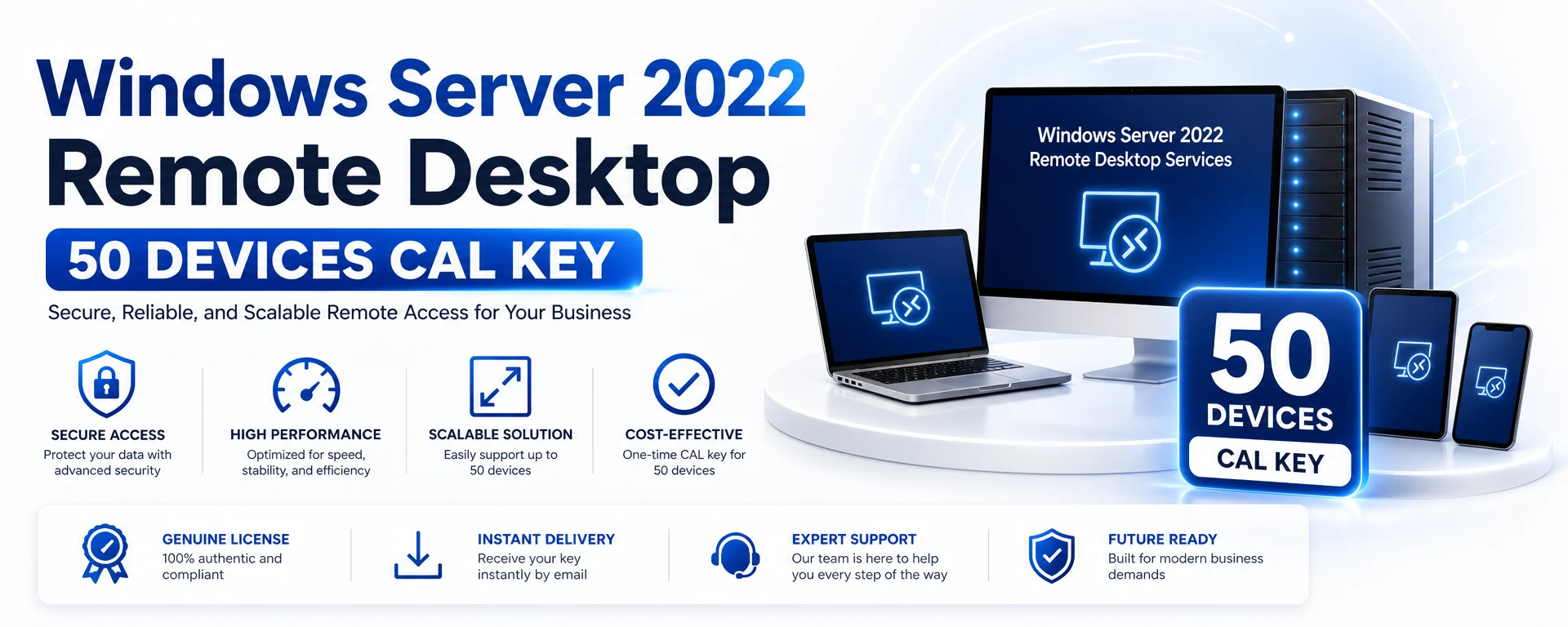
Windows Server 2022 Remote Desktop - 50 Devices CAL
Windows Server 2022 Remote Desktop 50 Devices CAL Key
Unlock the full potential of your business with the Windows Server 2022 Remote Desktop 50 Devices CAL Key. This digital license allows seamless remote access for up to 50 devices, making it ideal for organizations that need to connect multiple users efficiently.
Benefits of the Windows Server 2022 Remote Desktop CAL
Enhanced Remote Access: Provide your team with the ability to connect to the server from any location, improving productivity.
Multiple Connections: Supports up to 50 devices, perfect for growing businesses.
Global Availability: This license is valid globally, offering flexibility for international teams.
Compatibility and Activation
This CAL key is compatible with Windows Server 2022. Activation is straightforward and delivered digitally after successful payment, ensuring you can start leveraging its features immediately.
Delivery Notes
Your key will be delivered digitally, providing instant access once your purchase is complete.
Buyer Assurance
Investing in the Windows Server 2022 Remote Desktop CAL Key means you are choosing a reliable solution for your remote access needs, tailored for 50 devices, without any account binding.
Kompatibilität
Systemanforderungen
OSWindows Server 2022 Remote Desktop Services environment; no standalone Windows/macOS OS requirement for the CAL itself
CPU1.4 GHz 64-bit processor; x64-compatible with NX/DEP, CMPXCHG16b, LAHF/SAHF, PrefetchW, SLAT, SSE4.2, and POPCNT support
RAM2 GB minimum for Windows Server 2022 Server Core or Desktop Experience; ECC or similar required for physical host deployments
Storage Needed32 GB minimum available space for the system partition
Brauchen Sie Hilfe?
FAQ
A CAL (Client Access License) key allows users and devices to access the Windows Server software.
This key allows connections for up to 50 devices.
No, this CAL key is not account-bound.
The key will be delivered digitally after successful payment.
Yes, this license is valid for global use.
In 3 einfachen Schritten aktivieren
1
Bestellung abschließen
Ihr individueller Schlüssel wird nach der Zahlung per E-Mail zugestellt.
2
Aktivierung öffnen
Öffnen Sie mit der enthaltenen Anleitung den Aktivierungsbildschirm.
3
Eingeben und aktivieren
Fügen Sie Ihren Schlüssel ein und nutzen Sie Ihre Lizenz.
Das erhalten Sie
Ihr Lizenzschlüssel Schritt-für-Schritt-Aktivierungsanleitung Offizieller Download-Link, wenn verfügbar Prioritärer Supportkontakt